
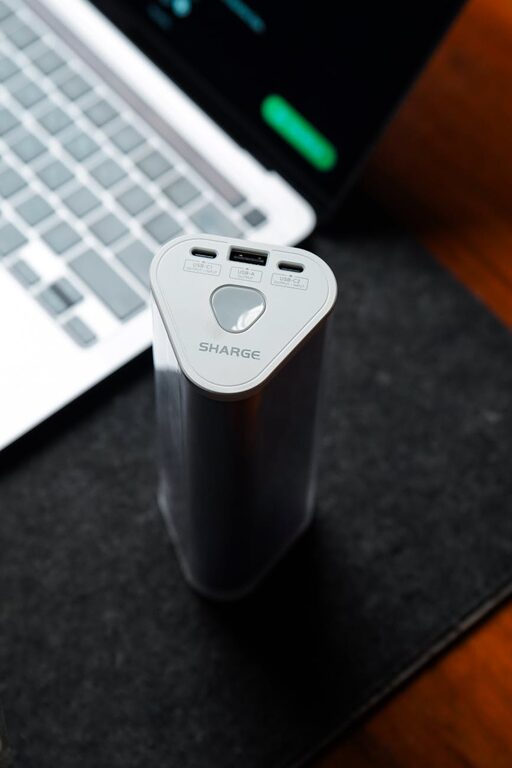
Setting up a charging station for your devices can bring order to the everyday chaos of tangled cords and scattered chargers. Whether you have smartphones, tablets, smartwatches, or other gadgets, having a dedicated spot to power them all helps save time and space. In this guide, we’ll walk you through everything you need to know to create an effective, safe, and stylish charging station at home or the office.
Why Create a Charging Station?
Before diving into the setup, it’s helpful to consider the benefits of having a dedicated charging area:
– Organization: Keeps cables and devices neat and easy to find.
– Safety: Reduces risk of overheating and tripping hazards from loose chargers.
– Efficiency: Centralizes charging so all devices get powered at once.
– Aesthetic: Makes your space look tidy and intentional.
Step 1: Choose the Right Location
Pick a spot that is convenient and practical. Some good options include:
– A desk or side table near an outlet.
– A shelf or countertop in a common area.
– A drawer or cabinet with ventilation if you prefer hidden cables.
Make sure the area is flat, stable, and close to enough electrical outlets for your needs.
Step 2: Gather Your Supplies
To build your charging station, you’ll need:
– Charging hub or multiple USB ports: Look for a multi-port charger with enough USB-A and USB-C ports to handle all your devices simultaneously.
– Power strip or surge protector: To expand the number of outlets safely.
– Charging cables: Use cables compatible with each of your devices.
– Cable organizers: Consider cable clips, ties, or sleeves to keep cords untangled.
– Containers or stands: Small baskets, trays, or phone stands can help separate devices and keep them upright.
– Labeling tools (optional): Tags or markers to identify each cable or port.
Step 3: Plan Your Layout
Arrange the components of your charging station logically:
– Position the multi-port charger and power strip in spots where cables can reach comfortably.
– Use holders or stands to keep tablets and phones visible and accessible.
– Group similar devices together, such as all phones on one side and tablets on another.
Taking a moment to map out your setup will save frustration later.
Step 4: Connect and Organize Cables
Plug in the charging hub to your power strip, then connect each device’s cable to the hub. To avoid clutter:
– Bundle excess cable length with ties or Velcro wraps.
– Attach cable clips to the edge of the table or wall to hold cords in place.
– Use labeled tags if needed to quickly identify each cord.
Keep cables off walkways to prevent tripping or damage.
Step 5: Add Finishing Touches
Make your charging station more user-friendly and visually pleasing by:
– Adding a small lamp or light strip if the area is dim.
– Using decorative trays or boxes to conceal cables and chargers.
– Incorporating a small clock or calendar for functionality.
– Keeping a microfiber cloth nearby to wipe device screens.
Tips for a Safe Charging Station
To maintain safety and prolong battery life, follow these best practices:
– Use certified chargers and cables designed for your devices.
– Avoid overloading power strips; check the maximum wattage.
– Ensure good ventilation around chargers to prevent overheating.
– Unplug devices once fully charged to conserve energy.
– Keep liquids away from the charging area to avoid accidents.
Maintaining Your Charging Station
Regularly check your setup to keep it working smoothly:
– Inspect cables for any signs of wear or damage.
– Reorganize cables if things get messy.
– Update your multi-port charger if you acquire new devices requiring different ports.
Conclusion
Creating a charging station is a simple yet effective way to keep your electronics organized and charged. With the right location, tools, and a bit of planning, you can design a space that saves time, boosts safety, and looks great. Start today and enjoy the convenience of having all your devices powered up in one tidy spot!