
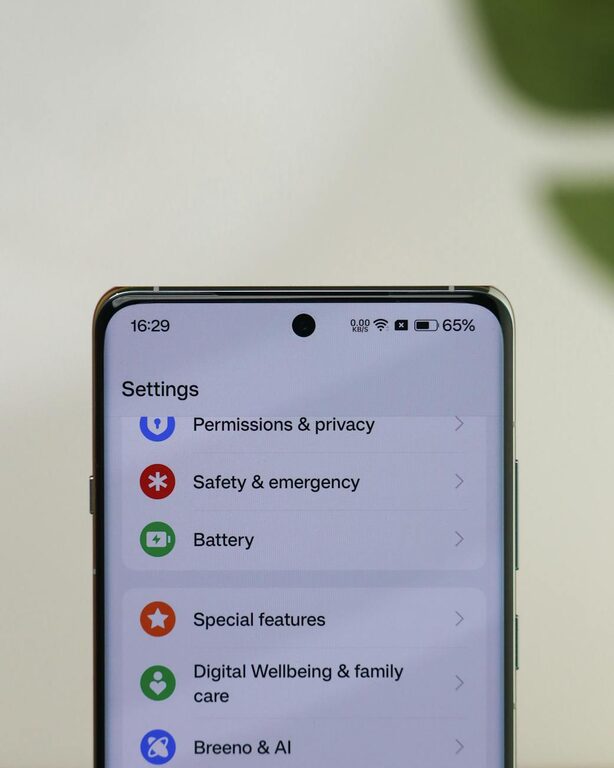
In today’s digital world, notifications from our devices constantly vie for our attention. While they can be helpful for staying informed, unchecked notifications can easily become a source of stress and distraction. Setting healthy boundaries around notifications is essential to maintain focus, balance, and well-being in daily life.
This post offers practical tips on how to manage notifications effectively, so they support your productivity rather than interrupt it.
Why Setting Boundaries with Notifications Matters
Notifications are designed to alert us to updates like messages, emails, reminders, and app activity. However, when notifications come too frequently or at inopportune times, they can:
– Interrupt deep work or personal time
– Increase stress or anxiety
– Reduce productivity and focus
– Negatively impact sleep if alerts occur at night
Being mindful about when and how you receive notifications helps you stay in control of your time and attention.
Tips for Setting Healthy Notification Boundaries
1. Audit Your Notifications Regularly
Start by reviewing which apps send you notifications:
– Open your device’s notification settings
– Identify apps with frequent or unnecessary alerts
– Consider disabling non-essential notifications
This helps reduce your overall notification load and prevents constant interruptions.
2. Customize Notification Settings by Priority
Most devices allow you to customize how and when notifications appear:
– Use “Do Not Disturb” mode during work hours or rest times
– Set priority notifications for important contacts or apps only
– Choose silent or banner-only notifications instead of sounds or vibrations
Customizing notifications ensures you’re alerted to what matters without being overwhelmed.
3. Designate Specific Times to Check Notifications
Instead of responding immediately to every alert, set aside specific times in your day to review notifications:
– Batch-check emails and messages at defined intervals
– Disable push notifications outside those times
– Inform colleagues or friends of your preferred response times
This approach helps you stay focused and reduces the habit of constant checking.
4. Use Focus or Screen Time Tools
Modern devices include features to support digital wellness:
– Enable Focus, Screen Time, or similar tools to limit notifications during specific activities
– Create profiles for work, personal time, or sleep to automatically adjust settings
– Use app limits to reduce time spent on distracting platforms
These tools assist with enforcing boundaries without requiring constant manual adjustments.
5. Turn Off Non-Essential Social Media Notifications
Social media apps often send frequent updates, many of which are non-urgent:
– Disable notifications from less important platforms or groups
– Keep alerts only for direct messages or important events
– Consider uninstalling apps during focused work periods if necessary
This minimizes digital noise and helps you avoid unnecessary distractions.
6. Silence Notifications During Sleep Hours
Notifications at night can disturb your rest and affect your health:
– Enable “Do Not Disturb” or bedtime mode to silence alerts while sleeping
– Adjust settings to allow calls from important contacts if needed
– Avoid using devices right before bed to promote better sleep hygiene
Protecting your sleep contributes to overall well-being and daytime focus.
7. Practice Mindful Notification Use
Being mindful about your notification habits supports better digital balance:
– Resist the urge to check notifications compulsively
– Reflect on how notifications impact your mood and concentration
– Adjust settings as your needs change
Mindfulness helps ensure technology serves you, not the other way around.
Conclusion
Notifications can be a helpful tool for staying connected and informed, but without boundaries, they risk overwhelming you and interrupting your life. By auditing your notifications, customizing settings, and practicing mindful use, you can reclaim focus, reduce stress, and improve your daily productivity.
Start small by changing one or two settings today and notice how it impacts your day. Healthy notification habits create space for what really matters—whether that’s work, rest, or quality time with loved ones.
Remember, managing notifications is a personal journey. Experiment with these tips and find a balance that works best for you!